
A New Laptop Brings Touch Controls to the Mac
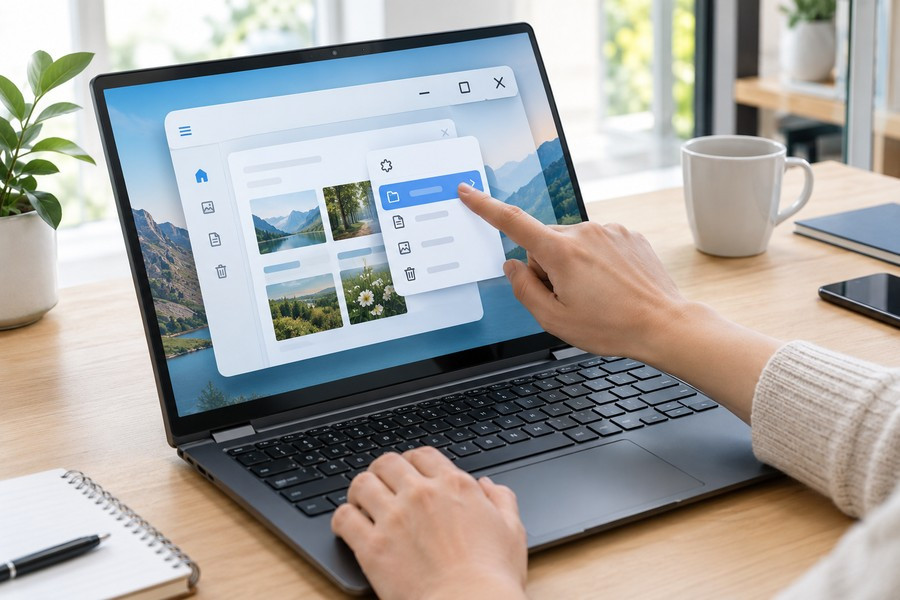
A new professional laptop introduces a touch screen to a computer line that has long relied on a keyboard, trackpad, and mouse. Demonstrations show how its operating system changes some controls when a person uses a finger. Menus become easier to tap, window buttons grow larger, and a special area at the top of the screen opens into a floating panel.
Menus That Adjust to Your Finger
The menu bar keeps its familiar appearance until someone touches it. When a finger moves over a menu item, that item expands. The larger target makes it easier to choose the right option without changing how the menu looks during regular pointer use.
Window controls work in a similar way. The small buttons used to change a window’s size or position grow when touched. After they expand, a person can tap the choice they want.
The Dock, a row of apps and tools at the bottom of the screen, can also stay hidden until needed. Swiping upward from the bottom edge brings it into view.
A Floating Panel at the Top
The new screen design replaces a notch with a pill-shaped area called the Dynamic Island. It can show search, live updates, and the voice assistant. Pulling down on it opens a larger panel that floats over the screen, much like a widget. The expanded view can display search and voice-assistant responses.
Familiar Apps Can Respond to Touch
The operating system turns many touch movements into actions that apps already understand. That means people may be able to use touch in existing apps without waiting for developers to make special updates.
Common actions include:
- Swiping to move through a web page.
- Pinching to make a photo larger or smaller.
- Dragging a slide from one presentation to another.
- Double-tapping a window to make it fill the screen.
Touch for Creative Work
The new controls are not limited to simple tasks like scrolling and opening menus. Creative software is also being adjusted for finger input. People can use touch to change color settings in a professional video editing app or adjust music tracks in a sound production app.
These examples suggest that the screen is meant to support detailed work as well as quick gestures. How comfortable and accurate those controls feel during a full workday remains to be seen.
Price and Availability
The new laptops are available for pre-order. The 14-inch model starts at $2,899, while the 16-inch model starts at $3,399. Both sizes are scheduled to go on sale on a Friday.
The demonstrations show how touch can fit into an interface designed around a pointer. Menus and buttons keep their usual layout, then adjust when a finger approaches. Buyers will be able to judge how well that approach works once they can use the laptops themselves.